Batch Producing Visual Assets With AI Design Tools
Editable templates and locked rules scale visual output far beyond what speed alone can deliver.
A flat image out of an AI generator is a dead end: you can't move the headline, swap the logo, or resize it for Stories without starting the whole prompt over. An editable output, by contrast, is a layered file the team actually owns, where text, color, and layout stay open to change long after the image was made. That difference, not generation speed, is what separates a team that produces one nice asset from a team that runs a campaign.
Batch production as a systems problem
Most teams that struggle with visual production assume the fix is a faster tool. They generate thirty assets for a campaign, ship it, and then open a blank canvas again next month to do the whole thing from scratch. Nothing from the last round carries forward: not the layout decisions, not the color choices, not the prompt phrasing that actually worked. The cost isn't just the redone hours: each from-scratch session produces its own slightly different blue, its own slightly different type size, so six months of campaigns look like six different companies.
The fix running through go-to-market and marketing teams right now is pipeline thinking: building templates, brand rules, and export logic once, so each campaign compounds on the last one instead of resetting it. Throughput across a campaign, and across a year of campaigns, is a different number than speed on a single image, and it's the number that actually determines whether the work gets easier or stays flat.
What a batch production system consists of
A batch visual asset production system has four layers, and skipping any one of them is what turns "we use AI" into "we have a system." The first is a template library: master layouts for each format (social post, slide, one-pager, ad unit) that lock the brand frame while leaving content zones open for whatever goes in next. The second is a brand ruleset, meaning colors, fonts, logo placement, and image style encoded directly into those templates rather than written up in a PDF nobody reopens after onboarding. The third is a generation pipeline: a defined sequence, prompt, generate, place into template, export, that anyone on the team can run, not a special process that only the designer knows.
The fourth layer is the one most tool demos quietly skip past: editable outputs. An editable design asset persists as a living file the team owns, which is the whole distinction this piece keeps circling back to, because it's the one that decides whether month two is faster than month one or identical to it.
How pipeline thinking changes the production workflow
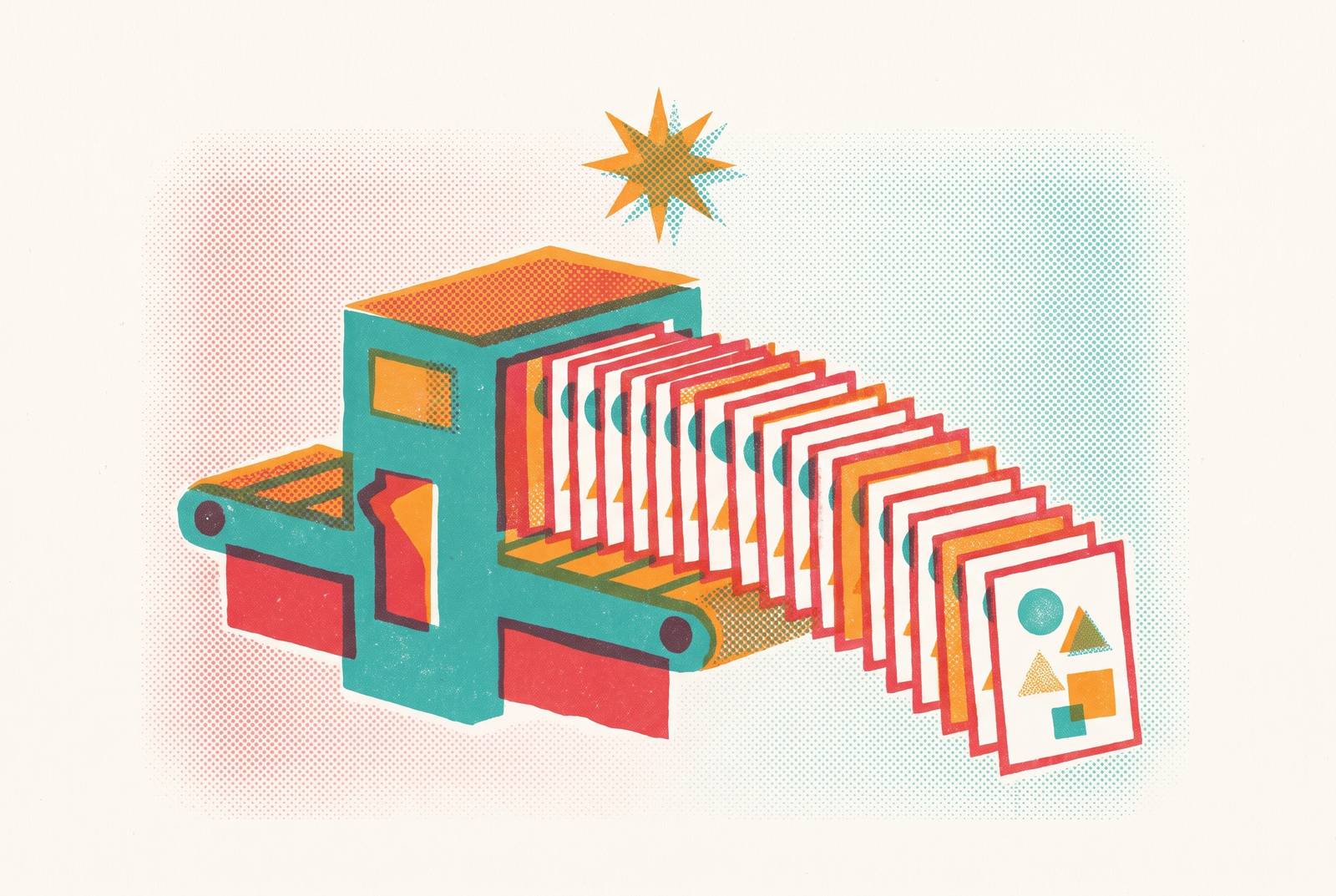
Pipeline-based production means deciding the sequence of steps once, then running many assets through that same sequence, instead of making fresh layout and prompt decisions for every single piece. Picture it as a node chain: a prompt feeds a generation step, the output drops into a layout template, the template branches into format variants (square, landscape, story), and each branch exports as an editable file. Build that chain once; it runs for the next fifty assets the same way it ran for the first one.
Higgsfield AI's Canvas tool is a useful illustration of this logic in practice: it's a visual node graph on an infinite board, where any canvas can be manually saved as a reusable template. The whole effect collapses, though, the moment a tool in the chain only outputs flattened images. Every run then needs a manual fix at the end, and that manual step is exactly the bottleneck the pipeline was built to remove.
Building the template library that makes the pipeline repeatable
If there's one place to spend the first real hour of system-building, it's here. The template library is the highest-leverage piece of the whole setup, because it's the only component that makes every future output better without any extra work once it exists. A production-ready template has locked brand zones (logo, primary color, font) alongside editable content zones (headline, body copy, image area), built so format variants all share the same design language.
Templates aren't finished designs sitting in a folder. Without that locked structure, brand drift isn't a risk, it's a near-certainty: small variations in color, spacing, and type accumulate across a campaign until the fiftieth asset barely resembles the first.
Encoding brand rules so consistency holds across the whole team
Most scaled visual production problems are rarely a design quality issue. They're a consistency issue, and consistency breaks down specifically when brand rules live in a document instead of living in the tools people touch every day. Most AI generation tools have no memory of a brand between sessions. Each output comes from whatever the current prompt says, so style, color, and tone drift a little with every run, and across a campaign of hundreds of assets, that small per-run drift accumulates into visibly mismatched assets.
There are two real ways to close that gap. The useful way to think about this split is production AI versus protection AI: production AI speeds up output, protection AI enforces governance, and a system running at scale needs both working together, not one standing in for the other. The objection "we trust our team to follow the brand guide" misses what a system is for. Trust isn't a system. For a team without a dedicated designer, this reframes the designer's actual job: set up the templates and rules once, well, and then let everyone else operate inside them, rather than reviewing every asset that goes out the door.
Choosing generation tools by what the task requires
The best question is never "which AI image tool is best," but "best for what, exactly, and sent where. The production stack has sorted itself by task, and the splits are fairly clean. For IP-safe, commercially licensed generation, meaning brand assets that will run across thousands of impressions, Adobe Firefly trains on licensed content such as Adobe Stock plus public domain material, offers a free tier, and scales up through several paid tiers to a premium level.
For running a full batch pipeline across many assets at once, Higgsfield AI fits the job, with multiple paid tiers and its Canvas node-graph feature free to build and edit (credits get charged per generation node instead). For large-set image variation off a single source asset, Dreamina from ByteDance supports bulk generation and takes CSV uploads for prompt variation at scale, with regional pricing on its paid plans. Adobe Firefly comes up often specifically for enterprise IP indemnification. None of this should anchor a system to one tool forever, either. Build around editable templates instead, so the generation tool becomes a part that can be swapped out without touching anything else.
What the Ogilvy-IBM "FishyAI" project produces
A documented case of one agency's batch-oriented system doing its job is the clearest example: it produced dramatically faster iteration across a high volume of visual variants, without losing creative control over what actually shipped. The headline version, "AI made things faster," undersells what that case actually shows.
What changed was the shape of the human team's work. Instead of producing each asset by hand, the team shifted toward curating and refining a volume of generated candidates, which is a different job entirely, and arguably a better use of a creative team's judgment. That shift, from production to curation, is close to the functional definition of a system that's actually working. The same pattern maps cleanly onto go-to-market teams: instead of a designer building every slide and ad unit one at a time, the team generates a batch of candidates, picks the strongest, and refines them inside a locked brand template. The creative judgment stays entirely human. The production volume is what scales.
Preventing the system from breaking down
No system is failure-proof, and batch production breaks in a few predictable places, each with a structural fix that's far easier to apply before the system is live than after six months of brand drift has already piled up. The first failure is a taste ceiling: raw AI output, left unedited, reads as generic almost by default. The fix is to treat generation as a draft layer. The system should produce candidates; people select and refine from there.
The second is brand drift over time, which happens because most AI tools carry no persistent memory of a brand and produce small variations run after run that eventually stack into real inconsistency. The third is tool dependency: building a whole system around one specific generation model's outputs leaves the system fragile when that model changes or a better one appears. Keeping editable templates as the stable layer, with the generation tool treated as a swappable input, solves this directly. The fourth is non-editable output itself, which breaks the system every single time a detail needs to change, a stat, a company name, a call-to-action. Practitioners keep repeating the same principle behind all four fixes: find the actual bottlenecks and repetitive work first, then pick tools to solve them. System design comes before tool selection, not after.
Scaling the system across campaigns, channels, and formats without starting over
A batch system earns its keep when the same template library and pipeline can serve a new campaign, a new channel, or a new format without triggering a fresh design sprint to support it. Take a presentation built for one campaign: its structured insights can become LinkedIn carousels, one-pagers, and email assets directly, and because the source is a template with editable zones rather than a fixed export, each new format takes minutes instead of days.
The same logic holds across time. A campaign template set built for Q3 becomes the starting point for Q4: colors and copy update, the brand frame stays exactly where it was locked, and the team turns around a new campaign in a fraction of the time the first one took. Being format-aware matters here too. Aspect-ratio variants, square for Instagram, landscape for LinkedIn, vertical for Stories, belong inside the template system from the start, not bolted on as one-off exports after someone notices the campaign needs a Stories version. The compounding effect reaches the team itself eventually. For SMBs and startup teams without dedicated design staff, this is specifically how the capability gap with bigger, better-resourced companies closes. A system run entirely by non-designers can still produce work that reads as professionally designed, because the hard design decisions were already made, once, and locked into the templates.
The practical steps to build your first batch production system
None of this requires a full brand overhaul before it starts paying off. It starts with one campaign's worth of assets, and the system grows outward from there as more production runs through it.
Start by auditing one recent campaign: list every asset type that got made, every channel each one appeared on, and every instance where a variant got built from scratch that could have come from a template instead. From that audit, build the template set, one master per format, with brand zones locked and content zones left open. This single hour is likely the highest-leverage hour a team spends on production infrastructure all year. Next, define the generation task each template actually needs: text-heavy graphics, IP-safe brand imagery, product variants, and vector icons each call for a different best-fit tool, so match the tool to the task rather than picking one tool and forcing every format through it.
Then run the next real campaign through the system and write down what breaks. The first pass through will expose gaps in template design, content zones that weren't clear enough, or a format variant nobody thought to build, and fixing those problems before the third campaign is a lot cheaper than fixing them after the tenth. Once one campaign runs cleanly through the system, extending to a second channel is just a matter of pulling new format variants from the same master template, not rebuilding the brand frame from scratch. The one decision that matters more than any other in this whole process: pick a platform that hands back editable outputs, not static images, because the entire value of the system depends on every asset remaining a file the team can still open, change, and reuse long after the day it was generated.