Why Every AI-Generated Asset Should Open as a Live Design Not a Locked File
Editable files let teams iterate; locked assets force them to start from scratch.
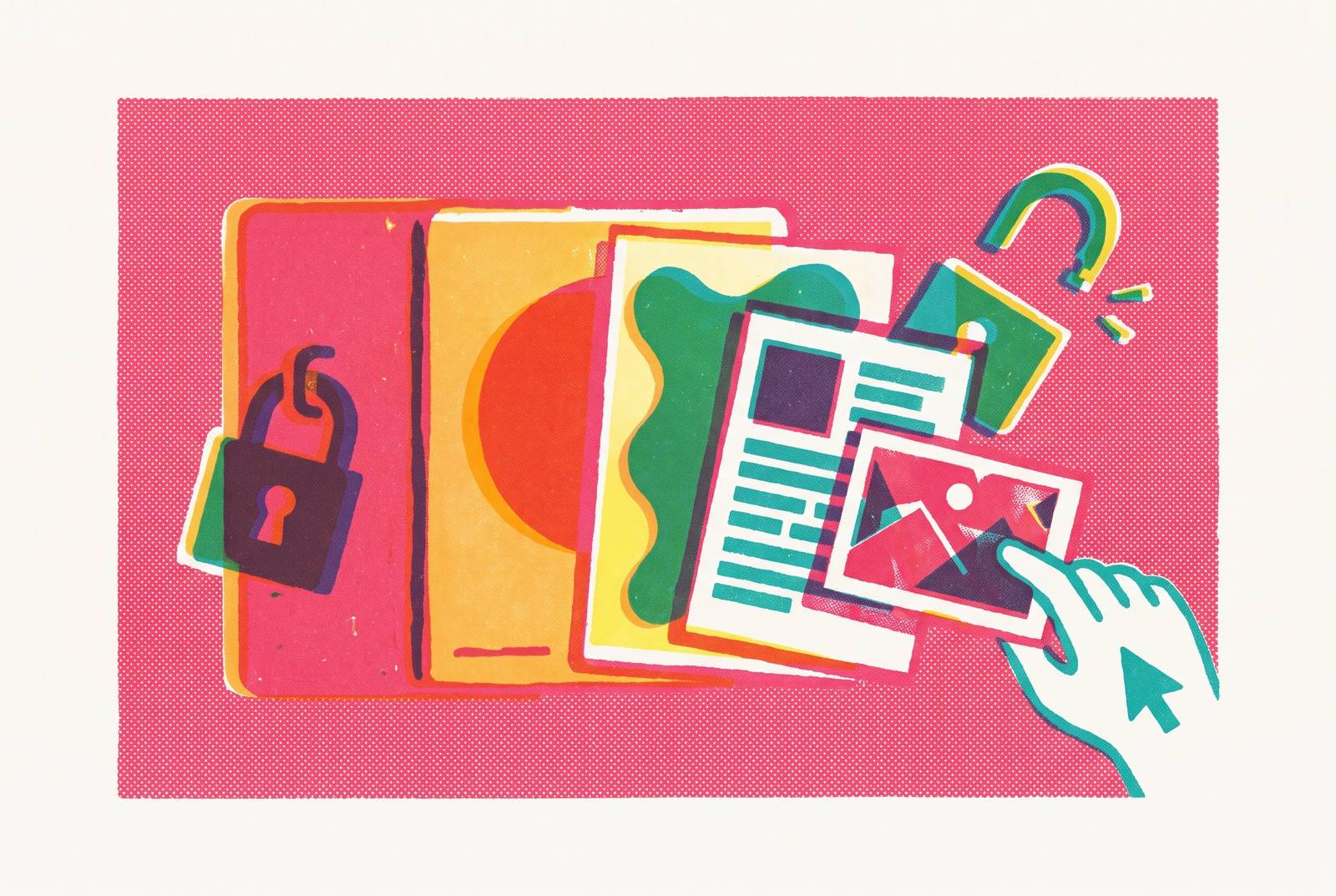
An AI-generated asset is only as useful as your ability to change it. A live, editable design gives a team somewhere to go next; a locked file gives them a picture of where they could have gone.
The structural gap between "generated" and "editable
AI now sits inside every stage of design work, from the first mood board to the final export, and it does that job well. Generation speed is not the issue here. The question in 2026 isn't whether to use AI for design work but how far to let it run and what condition the output is in when it stops.
That second question is where things get interesting, because most of the friction teams report with AI design tools has nothing to do with quality of the first draft. None of these are bugs in the traditional sense. They're the predictable result of a tool built to optimize one variable (speed to first draft) at the expense of another (how much of that draft survives contact with a second round of edits).
The two goals, fast generation and durable editability, were never built to reinforce each other. They were built in tension, and most tools on the market today pick a side without telling you which one.
What locking does to a file
Locking isn't a single failure; it's several different ones, stacked on top of each other, and each kind kills a different piece of future work.
Format lock appears first, in the handoff itself. Hand a printer or a developer a PNG where they needed a vector, and you've handed them a picture of the asset rather than the asset itself.
Platform lock is quieter but just as limiting. Cancel the plan, lose the edit access. That's not a hypothetical. It's the business model.
Structure lock is the one that catches people off guard, because it looks fine until you try to use it. Cleaning that up by hand often takes longer than building the slide from scratch would have.
Brand lock is the subtlest of the four, and arguably the most expensive over time. Put five people on a marketing team through the same prompt and you'll get five files that are close to on-brand but don't quite match each other, let alone the actual brand standard sitting in a PDF somewhere nobody opens.
The best tools, per the thinking in Builder.io's guide to AI design tools, are the ones that slot into a team's existing workflow instead of demanding the team reorganize around the tool. Locking is the mechanism by which a tool refuses that arrangement, demanding that teams work its way.
What go-to-market teams lose without editable output
Your marketing team isn't generating one asset a quarter: they're shipping social posts, ad variants, one-pagers, event banners, and localized versions of all of the above, every single week, and none of it can be treated as a one-off. A locked file breaks that rhythm at the first touchpoint.
Picture your salesperson twenty minutes before a client call, needing to swap in the prospect's logo, update a pricing line that changed last week, or replace a case study that's gotten stale. If the deck is locked, there are exactly two options: start over, or go find whoever has the design skills to fix it. Both options burn the exact amount of time the AI tool was supposed to save in the first place, which makes the whole exercise a wash at best.
For the non-designers scattered across most GTM teams, these tools promise independence: make the thing yourself, skip the creative queue, ship it today. That promise holds only as long as the output stays editable without a designer's help. The moment it doesn't, the non-designer is back where they started, except now they've also lost the time spent generating something they can't use.
Anima's 2026 design report makes a sharp point about what happens once generation gets cheap for everyone: taste, editing judgment, brand sense, accessibility awareness, and systems thinking become the actual differentiators between teams that produce good work and teams that produce a lot of work. Fair enough, but every one of those qualities requires an open surface to act on. None of them can be exercised on a file that refuses to be touched.
Smaller companies trying to cut loose from agency retainers run into the identical wall at a different scale. The financial case for AI over an agency rests on not needing a developer or a designer for routine updates. The moment every generated website or one-pager needs exactly that kind of intervention to fix a locked element, the savings evaporate and the agency bill starts looking cheap by comparison.
Editability as the requirement for brand consistency at scale
An AI tool that nails the brand look once, on day one, but can't be corrected as the brand itself evolves, creates a new kind of brand risk, one that looks fine in the demo and gets messier with every output after it.
Brand consistency is a systems problem dressed up as a creative one. The goal was never a single beautiful asset. It's a long run of assets, produced by different people on different teams across different channels and years, that all look unmistakably like they came from the same place. A locked AI output, whatever it gets right visually, captures none of that underlying architecture.
Add a second product line, a new region, or a sub-brand, and the whole thing starts to crack, because nothing underneath the surface was ever built as actual brand architecture, and that absence is what the added complexity exposes.
One might argue that the fix is simple: just make everything editable and let people fix drift as it happens. That argument runs into its own trap pretty fast. Unlocked files with no shared templates and no fixed values don't prevent drift, they accelerate it. Five people editing five open files without a common system produce five brand expressions heading in five different directions, which is arguably worse than one locked file that's at least wrong consistently.
The resolution is editable output tied to a living system: templates, locked values for the things that shouldn't move, and real flexibility for the things that should. Monday.com's 2026 roundup of AI design platforms points to embedding brand guidelines directly into the generation platform as the mechanism that keeps every asset aligned regardless of who made it. That embedding only does its job if the layer underneath is still open enough to work with. A guideline enforced on a file nobody can touch isn't governance.
The strongest objection to editability as the primary criterion
There's a real argument on the other side of this: locked templates protect non-designers from themselves. Give someone without design training full control over a layout, and they will misalign elements, pick colors that clash, override font choices for no good reason, and generally make decisions the constraint was there to prevent. That's not a strawman. Anyone who has handed an open file to a well-meaning colleague has watched this happen in real time.
The objection even holds up in a narrow case. Nobody's reopening that file in six months.
But professional workflows rarely stay one-off for long. The moment that asset needs updating, resizing, repurposing, or fixing because someone spotted a typo an hour before the client call, the constraint that was protecting the work starts obstructing it instead. And in practice, that moment arrives almost immediately, often before the first version has even been used.
The better answer is a structured canvas with guardrails: editable within a system, where brand rules govern what can shift without the whole thing falling apart, and the non-designer gets genuine control over content without genuine control over structure. They can change the words. They can't move the logo into the corner where it doesn't belong. Anima's 2026 report draws exactly this line: AI generates directions, but a human still has to choose among them, refine the choice, apply brand judgment, and make the thing fit its actual context. None of that is possible without an editable surface to do it on.
A second objection sometimes gets raised alongside this one, about copyright and originality in AI-generated imagery, and it's a legitimate concern. But it applies just as much to locked outputs as editable ones, so it's a governance question, not a reason to lock files.
A design-aware workflow with editability built in
A design-aware workflow treats brand rules as something to enforce at the moment of generation, not something to clean up afterward. The industry has started calling these "brand-governance" or "compliance-first" systems, and the label captures a real distinction: whether the tool understands the brand's constraints going in, or just generates freely and leaves someone else to notice what's wrong.
The shape of a workflow like this is fairly consistent across teams that have gotten it right. A human writes the brief with the brand's actual constraints built in. The AI produces several directions inside those boundaries rather than one locked answer. A human picks a direction and refines it. The AI adjusts based on that feedback. A human reviews the result for brand voice, accessibility, and the edge cases AI tends to miss. The output lands in a native, editable format the team keeps working in rather than a finished object they have to work around.
Three concrete examples show what this looks like in practice, each solving the handoff problem for a different kind of team. Plus AI, built for presentation and sales teams, works inside PowerPoint and Google Slides directly, producing native PPTX or Google Slides files, so colleagues can comment the way they always have and a compliance team can lock the master layout without locking a single word of the content underneath it.
The pattern holds across all three: the AI does the generating, the human applies the judgment, and the handoff between those two steps only works if the file passed between them stays open. Break that handoff, and the workflow built around it breaks with it, no matter how good the first draft looked.
Evaluating an AI design tool against the editability standard
The right question to ask before adopting any AI design tool is what you can actually do with what comes out the other end, not how fast it generates. Four questions surface the answer, and all four belong in the sales demo before a contract gets signed, not after.
Start by asking whether the output is in a format already in use on the team, or whether it demands a conversion step first, since conversion steps are where locking tends to happen quietly. Next, check whether individual elements can be selected and moved independently, or whether the whole thing arrives as one flattened image, because element-level control is the baseline for a design file that actually functions as a design file rather than a picture of one. Third, find out whether brand values like colors, fonts, and logo placement are locked to fixed specifications or left to drift through interpolation, since interpolation is the exact mechanism that produces five slightly different files, as described earlier in this piece. Finally, run the six-month test: if one element needs updating half a year from now, can that file be reopened and fixed in under five minutes, or does it require starting from scratch?
The tools that pass these four questions and the tools that fail them aren't separated by a missing feature that could get patched in later. Ask the four questions before the contract gets signed, because asking them after tends to be a much more expensive conversation.